

What Is HeyGen?
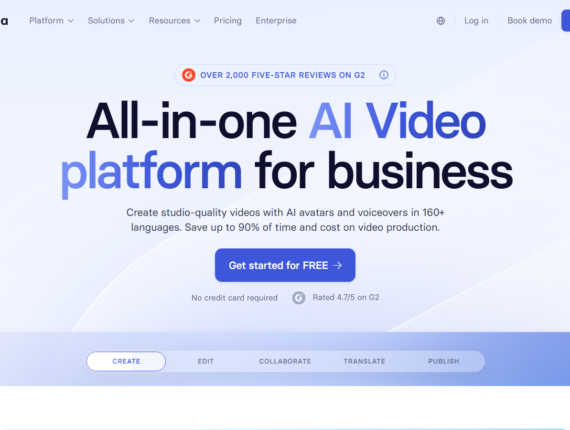
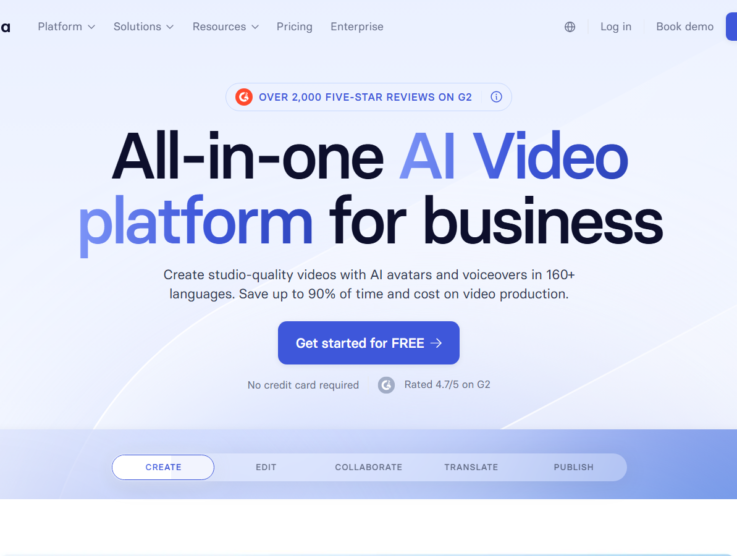
HeyGen is an artificial intelligence video generation platform that helps marketing teams, sales professionals, and educators create professional presentation content without traditional cameras or studios. It functions by synthesizing simple text, audio, and visual elements into realistic avatar videos entirely within a web browser. The software replaces complex editing workflows with a document-centric approach to media creation.
Users gain access to over 700 pre-made digital avatars, a text-based AI studio, and automated translation tools that cover multiple languages and dialects. Pricing begins at $29 per month on the Creator tier, which unlocks essential professional resources such as unlimited voice cloning and long-form video exports. Additional advanced features, like multi-camera angles and specific scene configurations, adapt to various corporate requirements.
While it competes heavily with enterprise-exclusive media platforms, HeyGen successfully wins market share through accessible pricing and rapid translation workflows. Keep reading for a complete breakdown of its capabilities, real-world constraints, and pricing updated for 2026.
HeyGen Overview
This quick snapshot breaks down the core target audience, monthly pricing, and standout capabilities to help you gauge if this AI video maker fits your production needs.
| 👤 Best for | Marketers, corporate trainers, content creators, and remote sales teams |
|---|---|
| 💵 Starting cost | $29/month (Creator plan) |
| ⚡ Hero features | Avatar IV system, text-based AI Studio, 700+ public avatars, video translation in 175+ languages, unlimited voice cloning |
| 📈 ROI sweet-spot plan | Creator Plan at $29/month – unlimited voice cloning, multi-language support, and 30-minute exports |
| 🧪 Free plan or trial | Free plan available • Includes 3 videos per month (1-minute limit per video) |
| 🎯 Use cases | Corporate training modules, localized advertising campaigns, cold sales outreach, social media clips |
| 🚀 Quick trial / CTA |
Try HeyGen Free Now |
HeyGen Pros & Cons
Evaluating the practical advantages and limitations of a video generation platform helps ensure you make the right software investment for your team.
Pros & Cons of HeyGen
See what users appreciate and what to watch out for when using HeyGen.
| ✔️ Pros | ❌ Cons |
|---|---|
| ✔️ Cost-effective individual tier provides unlimited basic avatar generation. | ❌ The credit system limits advanced video duration and can obscure the true monthly costs. |
| ✔️ Exceptional localization capability supports 175+ languages and dialects out of the box. | ❌ SCORM and native LMS integrations require upgrading to the costly Business tier. |
| ✔️ Library of over 700 diverse stock avatars covers almost any corporate or social scenario. | ❌ Free users face restrictive watermarks, 720p limits, and a strict 3-video monthly cap. |
| ✔️ Text-based editing interface drastically speeds up standard corporate video production. | ❌ Exporting in high-definition 4K resolution forces an upgrade to the $99/month Pro plan. |
HeyGen pairs rapid video output with aggressive access tiers that undercut enterprise rivals, though heavy producers should monitor their usage closely against the platform’s processing queue limits.
HeyGen Pricing Plans
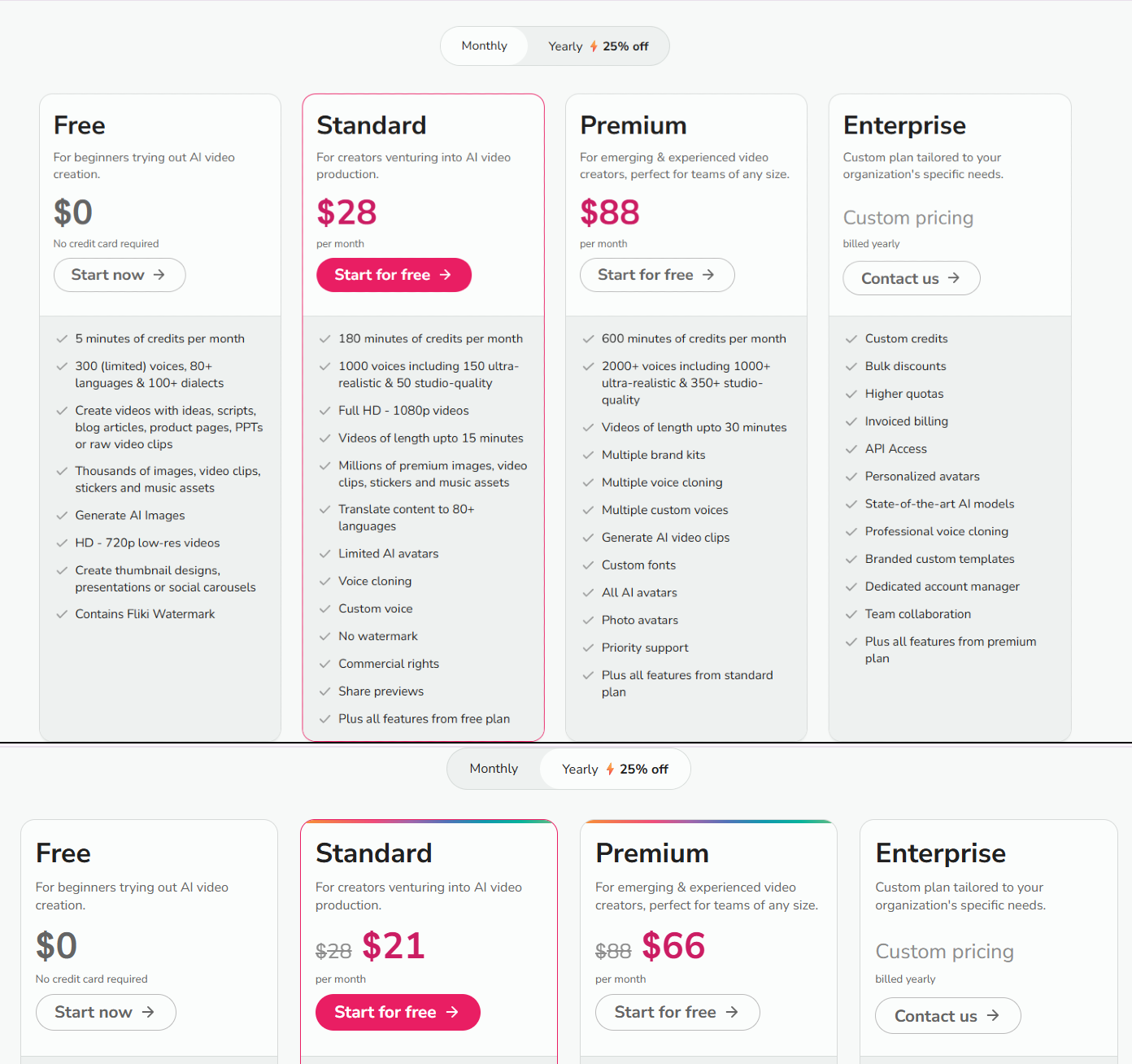
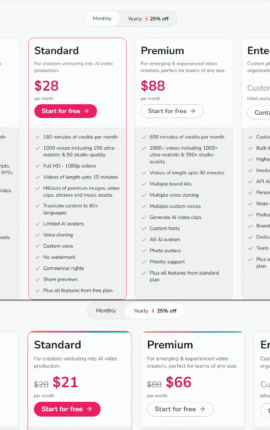
HeyGen categorizes its pricing across four main subscription tiers, matching the volume demands of solo content creators up to enterprise network deployments.
Free
Billed Monthly: $0/month
Billed Annually: $0/month
Annual Savings: $0
Features included:
- 3 videos per month capped at 1 minute each
- 1 Custom Digital Twin available
- Standard processing queue speeds
- 720p base video export quality
- Access to 500+ stock photo avatars
- Trial access to Avatar IV and specific translation tools
Creator
Billed Monthly: $29/month
Billed Annually: $24/month (billed annually at $288)
Annual Savings: $60
Features included:
- Videos up to 30 minutes in length
- 1 Custom Digital Twin plus unlimited photo avatars
- Access to 700+ Stock Video Avatars
- Unlimited voice cloning functionality
- Complete language suite with 175+ dialects
- Full 1080p video export resolution
- Watermark removal and background modification
- Brand kit creation and custom template saving
Pro
Billed Monthly: $99/month
Billed Annually: $79/month (billed annually at $948)
Annual Savings: $240
Features included:
- Everything in Creator
- 10x more premium usage credits compared to the base tier
- Faster server processing times for video rendering
- Ability to edit and proofread translation scripts manually
- Option to switch assigned voices inside translation menus
- Upgraded 4K cinematic video export
- Early access to unreleased AI models
Business
Billed Monthly: $149/month
Billed Annually: $119/month (billed annually at $1,428)
Annual Savings: $360
Features included:
- Videos extended up to 60 minutes
- 5 Custom Digital Twins included
- Centralized platform billing and workspace collaboration
- Team draft commenting and assigned editing permissions
- Interactive video modules featuring quizzes and decision paths
- SCORM-compliant export tools for enterprise LMS platforms
- Direct integration with Zapier, Make, and HubSpot
- Seats can be added for $20/user/month
Enterprise
Billed Monthly: Custom Pricing
Billed Annually: Custom Pricing
Annual Savings: Custom Pricing
Features included:
- Unlimited video generation without maximum duration caps
- Priority access to the fastest processing queues
- 10+ assigned Custom Digital Twins
- Multi-workspace organizational control centers
- Enterprise-grade SAML/SSO security verification
- Dedicated customer success management and tailored onboarding
When reviewing HeyGen pricing, the $29 setup proves highly affordable for individual creators, while larger organizations heavily dependent on LMS tracking must budget for the $149 business subscription to access SCORM compliance.
HeyGen Key Features
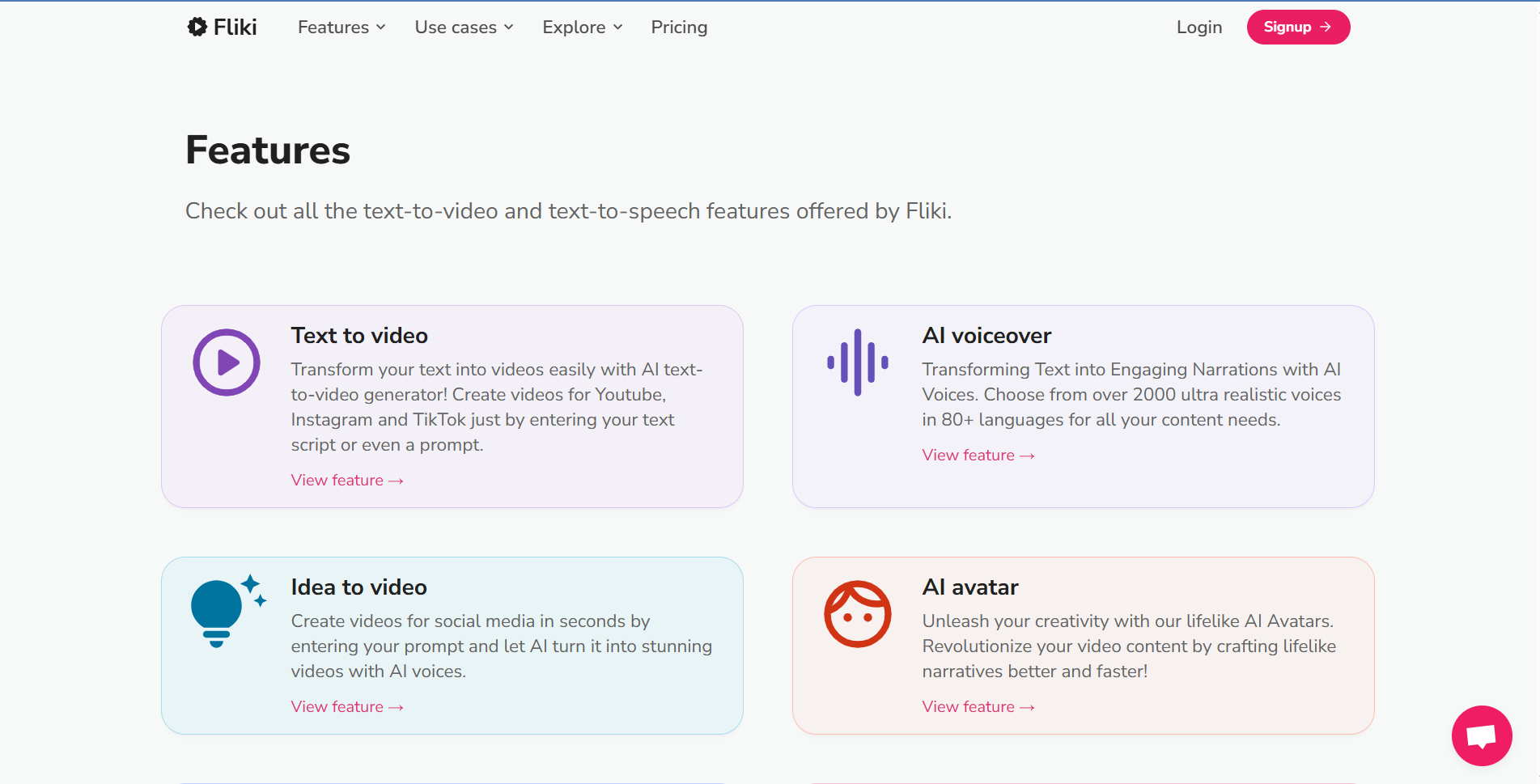
The platform packages a broad suite of generative operations meant to replace complex video timelines with straightforward, text-driven commands.
- Video Agent System: Users type a general idea so the platform can autonomously generate fully formatted, storyboarded videos utilizing proven engagement frameworks.
- Avatar IV System: Produces highly expressive facial dynamics, realistic physical gestures, and adaptable character movements based on the context of the written script.
- Photo Avatar AI: Animates single static photographs into dynamic digital speakers complete with voice synchronization and naturalistic hand motions.
- Public Avatar Library: Gives creators access to a catalog of over 700 ready-to-use digital actors tailored for varying corporate, educational, and social media formats.
- Custom Digital Twins: Enables individual users to record themselves physically on video to train an artificial clone that perfectly replicates their ongoing speech and physical mannerisms.
- Video Localization Suite: Automatically translates uploaded media files into 175 different languages without disrupting the original speaker’s vocal tone or intended lip movements.
- AI Studio Editor: Restructures video generation as a text-based workflow, making editing, scene changes, and timing adjustments as practical as writing a blog post.
- Voice Cloning Technology: Captures audio samples to recreate subject-matter voices synthetically, allowing infinite new dialogue generation without bringing talent back to a recording booth.
- Product Placement Tool: Inserts eCommerce product shots directly into an avatar’s grasp to produce native social advertising content rapidly.
- Built-in Cinematic Models: Incorporates advanced external AI mechanics like Sora, Kling, and Veo directly into the interface for supplementary high-quality B-roll creation.
- Brand Voice Glossary: Ensures all generated speech outputs and translated captions consistently adhere to a company’s specific linguistic rules and pronunciations.
- Photo-to-Video Interface: Adds customizable voice tracks, smooth transitional timing, and on-screen text overlays to previously static imagery.
- Interactive Branching Links: Permits course designers to place engaging knowledge checks, decision trees, and quizzes directly inside the video stream.
- Native Screen Recorder: Allows software demonstrators to construct complete tutorial clips by capturing their desktop activity entirely inside the HeyGen ecosystem.
Top 5 Alternatives to HeyGen
While HeyGen captures immense attention in the digital production market, several direct competitors offer specialized tools that might better suit your organization.
- Synthesia: Starts at $18/month. Trial or Free Plan Availability: Not available. Heavily structured for corporate compliance setups and complex organizational security requirements.
- Colossyan: Starts at $19/month. Trial or Free Plan Availability: Not available. Strongly emphasizes interactive video journeys and integrated SCORM exports on its entry-level accounts.
- Runway: Starting price: Not available. Trial or Free Plan Availability: Not available. Tailors specifically to pure cinematic effects, complex video manipulations, and visual storytelling rather than simple talking heads.
- Elai.io: Starts at $23/month. Trial or Free Plan Availability: Not available. Operates as a budget-conscious alternative suited for simple instructional tasks with fewer language capabilities.
- Arcads: Starts at $23/month. Trial or Free Plan Availability: Not available. Designed as an affordable, straightforward creation engine with less comprehensive avatar customization tools.
When evaluated against these top contenders, HeyGen strikes a highly attractive middle ground. It bypasses Synthesia’s expensive creator barriers by bundling ample limits and diverse language packages into its $29 plan, while producing considerably better visual outputs than lower-cost tools like Elai.io.
HeyGen Use Cases
Corporate instructional designers routinely use the platform to modernize text-heavy documentation into modular video lessons that dramatically improve employee attention spans. Inside sales departments actively generate personalized cold pitching videos, allowing representatives to address prospective clients by name using customized digital variants without filming individual clips. Global marketing teams rely on the translation engine to shoot a single campaign advertisement in English before instantly dispersing culturally appropriate, perfectly dubbed versions into dozens of international territories. Freelance course builders tap into the interactive tools to establish responsive knowledge tests within their content.
My Verdict on HeyGen
HeyGen successfully bridges the uncomfortable gap between extremely expensive enterprise solutions and cheap, unconvincing visual generation tools. Individuals and marketing agencies who need to produce a high volume of translated social media clips or digital twin campaigns will find immense practical value in the $29 Creator subscription, particularly given the impressive text engine workflow.
However, small instructional teams hoping for simple LMS connectivity may find the mandatory jump to the $149 Business tier unnecessarily steep. For straightforward brand building, corporate orientation messages, and multilingual scaling, the platform delivers exceptionally on its promises, provided users understand and monitor the monthly premium processing credits.
FAQ about HeyGen
Does HeyGen provide a free testing plan?
Yes, the software maintains a permanent free entry tier. Users receive three minor video generation credits per month capped at one minute each, alongside recognizable watermarks and standard 720p resolution caps.
Can I record and clone my own natural voice?
Unlimited voice cloning is permitted on every paid tier. You simply supply a clear audio recording, and the engine synthesizes an accurate digital clone that can be typed out to say anything without microphone hardware.
Are HeyGen files compliant with learning management systems?
Yes, SCORM-compliant export is supported by the software. Keep in mind that this specific function is restricted entirely to the Business and Enterprise tiers; lower-tier users can only download standard video files.
How exactly does the video localization work?
You can upload a recorded video track, and the internal AI will translate the script into over 175 different dialects. Most importantly, it adjusts the visual lip motions of the speaker and replicates the original vocal pitch to match the new language seamlessly.
Can my agency securely collaborate on projects?
Team functionality operates almost exclusively on the Business plan and above. Subscribing at this volume unlocks collaborative workspaces, specific folder assignment, draft commenting, and uniform brand template distribution.