

What Is InVideo AI?
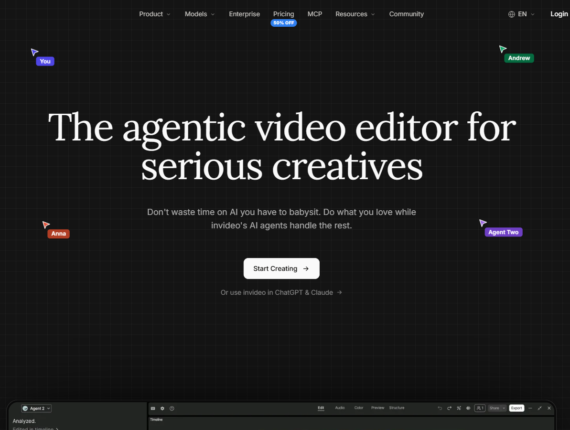
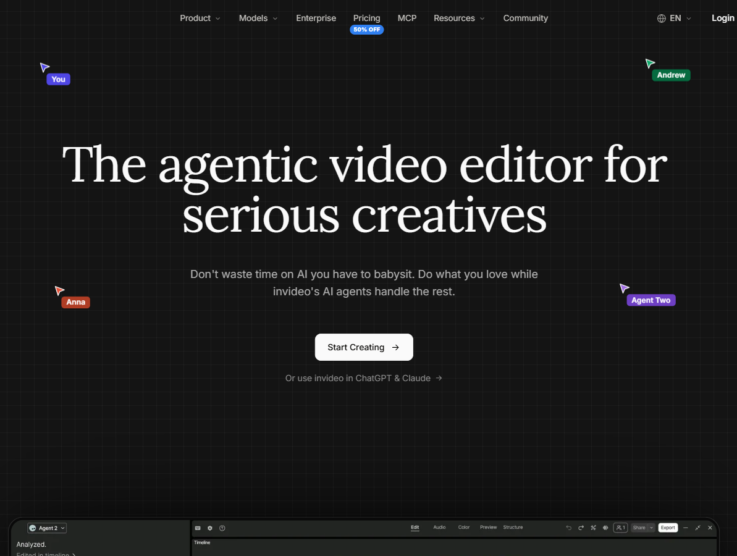
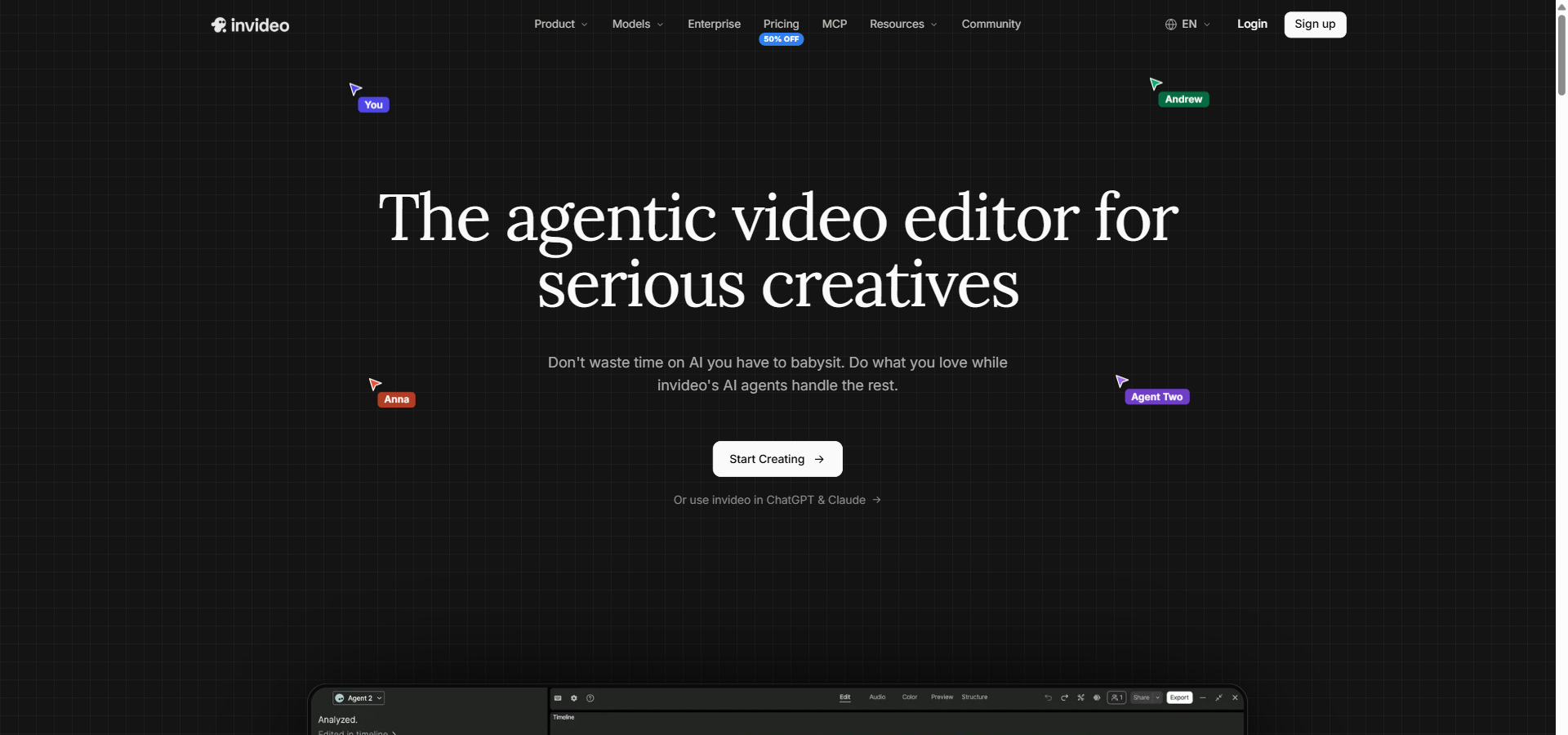
InVideo AI is an agentic video operating system that generates scripts, visuals, and voiceovers from text prompts — built for marketers, content creators, and small creative teams. The platform bridges the gap between text-to-video generation and professional editing by pairing a multi-agent AI system with a traditional multi-track timeline.
You can generate a full video using the o3 and GPT-4.1 models, and then manually adjust every clip, audio track, and text overlay. It starts at $9 per month on the Basic plan, which includes 190 monthly credits, access to Seedance 2.5 video models, and over 16 million stock assets.
While tools like Lumen5 focus heavily on slide-based repurposing, InVideo AI provides a much deeper editing experience for cinematic and social content. Here is a complete breakdown of its features, pricing, and limits, updated for 2026.
InVideo AI Overview
This quick snapshot highlights InVideo AI’s ideal audience, entry-level pricing, hero features, and the subscription tier that offers the best return on investment.
| 👤 Best for | Marketers, content creators, social media managers, and small creative agencies |
|---|---|
| 💵 Starting cost | $9/month (Basic plan) |
| ⚡ Hero features | AI video generator, Magic Box prompt editor, realistic AI voices, multiplayer editing, Nano Banana Pro image generation |
| 📈 ROI sweet-spot plan | Pro Plan at $30/month – unlocks 1,000 credits, Seedance 2.5 models, and 10 guest seats |
| 🧪 Free plan or trial | No free plan listed on the pricing page • Check InVideo AI’s site for current free options |
| 🎯 Use cases | YouTube automation, marketing promos, explainer videos, social media ads |
| 🚀 Quick trial / CTA |
Try InVideo AI Free Now |
Pros & Cons of InVideo AI
InVideo AI provides a powerful blend of generative AI and traditional video editing, but it comes with a noticeable learning curve and complex billing.
| ✔️ Pros | ❌ Cons |
|---|---|
| ✔️ Timeline edits and exports consume zero AI credits | ❌ Credit consumption by Agent Two can be unpredictable |
| ✔️ Integrates advanced OpenAI models like GPT-4.1 and o3 | ❌ Strict refund policies even for early cancellations |
| ✔️ Generates realistic AI voices in over 50 languages | ❌ AI visual generation occasionally creates random text artefacts |
| ✔️ Web-based editor requires no heavy software installation | ❌ Long-form YouTube workflows can easily exhaust basic credit limits |
| ✔️ Supports multiplayer collaboration for creative teams | ❌ Unused monthly credits do not roll over on standard plans |
Overall, InVideo AI excels at giving users deep manual control over AI-generated drafts. However, you must carefully monitor your credit usage to avoid burning through your monthly allowance on simple Agent Two edits.
InVideo AI Pricing Plans
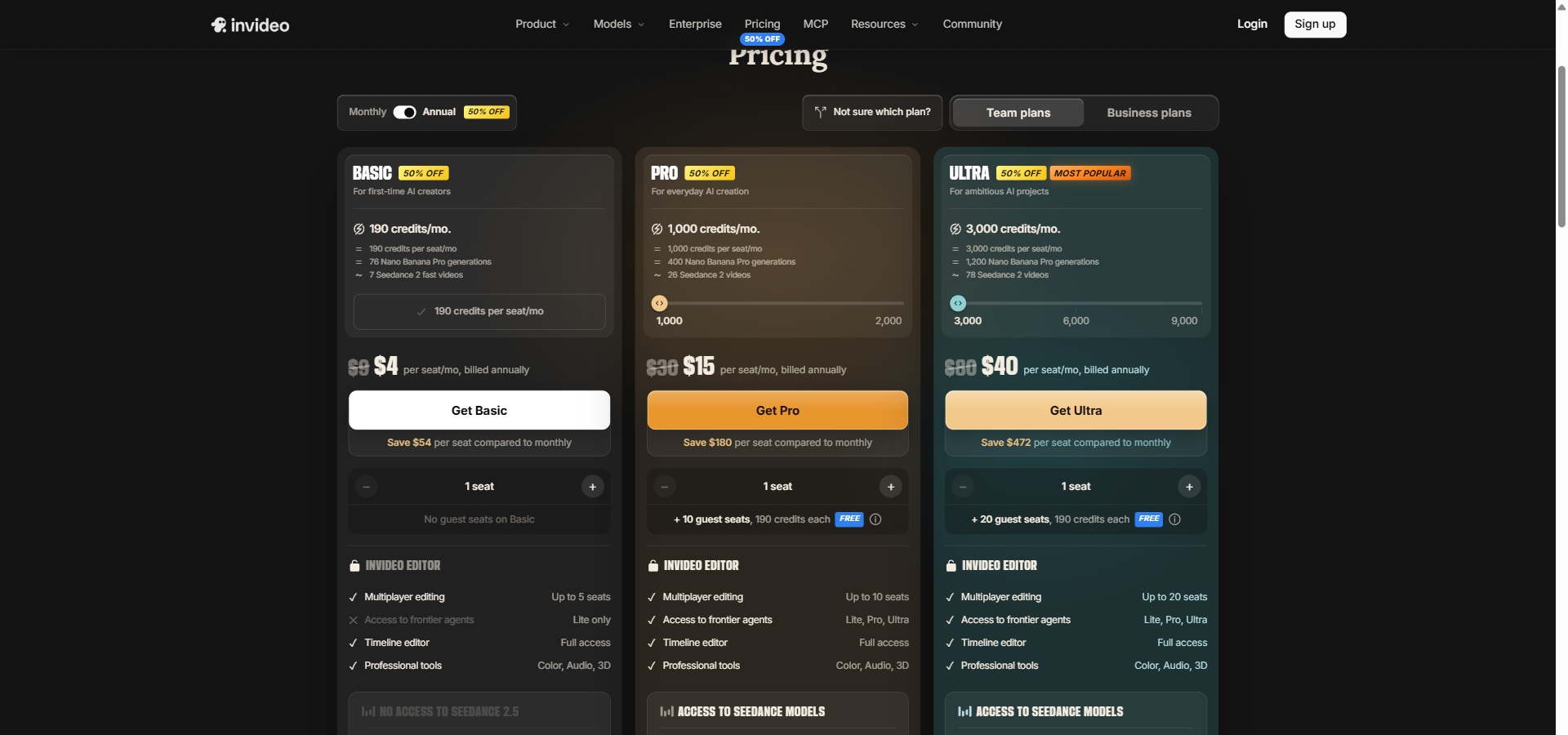
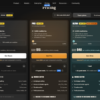
InVideo AI separates its pricing into seat-based business plans and pooled-credit team tiers. This structure gives solo creators and growing agencies different ways to manage their AI generation budgets.
Basic
Billed Monthly: $9/month
Billed Annually: $4/month (billed annually at $48)
Annual Savings: $60
Features included:
- 190 credits per seat per month
- Up to 5 Agent Two seats
- Full access to editing timeline and professional tools (colour, audio, 3D)
- 76 Nano Banana Pro images per month
- 475 GPT Image 2.5 Sunburst images per month
Pro
Billed Monthly: $30/month
Billed Annually: $15/month (billed annually at $180)
Annual Savings: $180
Features included:
- 1,000 credits per seat per month
- Up to 10 seats plus 10 free guest seats
- Seedance 2.5 access (17 720p videos, 10 1080p videos)
- Agent Two access in Lite, Pro, and Ultra modes
- 400 Nano Banana Pro images per month
Ultra
Billed Monthly: $80/month
Billed Annually: $40/month (billed annually at $480)
Annual Savings: $480
Features included:
- 3,000 credits per seat per month
- Up to 20 seats plus 20 free guest seats
- Seedance 2.5 access (53 720p videos, 31 1080p videos)
- 1,200 Nano Banana Pro images per month
- 7,500 GPT Image 2.5 Sunburst images per month
Team
Billed Monthly: $79/seat/month
Billed Annually: $65/seat/month
Annual Savings: $171 per seat
Features included:
- 8,000 pooled credits per month (1,600 per seat)
- 5 to 30 seats available
- 800 GB storage
- 200 Premium stock footage assets per seat
- Multiplayer editing for up to 30 seats
Scale
Billed Monthly: $215/seat/month
Billed Annually: $150/seat/month
Annual Savings: $774 per seat
Features included:
- 20,000 pooled credits per month (4,000 per seat)
- 5 to 30 seats available
- 1,600 GB storage
- 400 Premium stock footage assets per seat
- Early access to advanced AI features
Enterprise
Billed Monthly: Custom pricing
Billed Annually: Custom pricing
Annual Savings: Custom negotiated
Features included:
- Custom credits per seat with volume rollover
- Unlimited seats
- Custom storage and premium stock footage allowances
- SOC 2 Type II certified and GDPR compliant
- IP ownership guarantees with no training on customer data
The pricing for InVideo AI scales heavily based on your need for frontier AI models like Seedance 2.5 and Nano Banana Pro. For most users, the Pro plan at $30 per month offers the best balance of credit volume and advanced model access, while the Basic plan serves as a capable testing ground.
InVideo AI Key Features
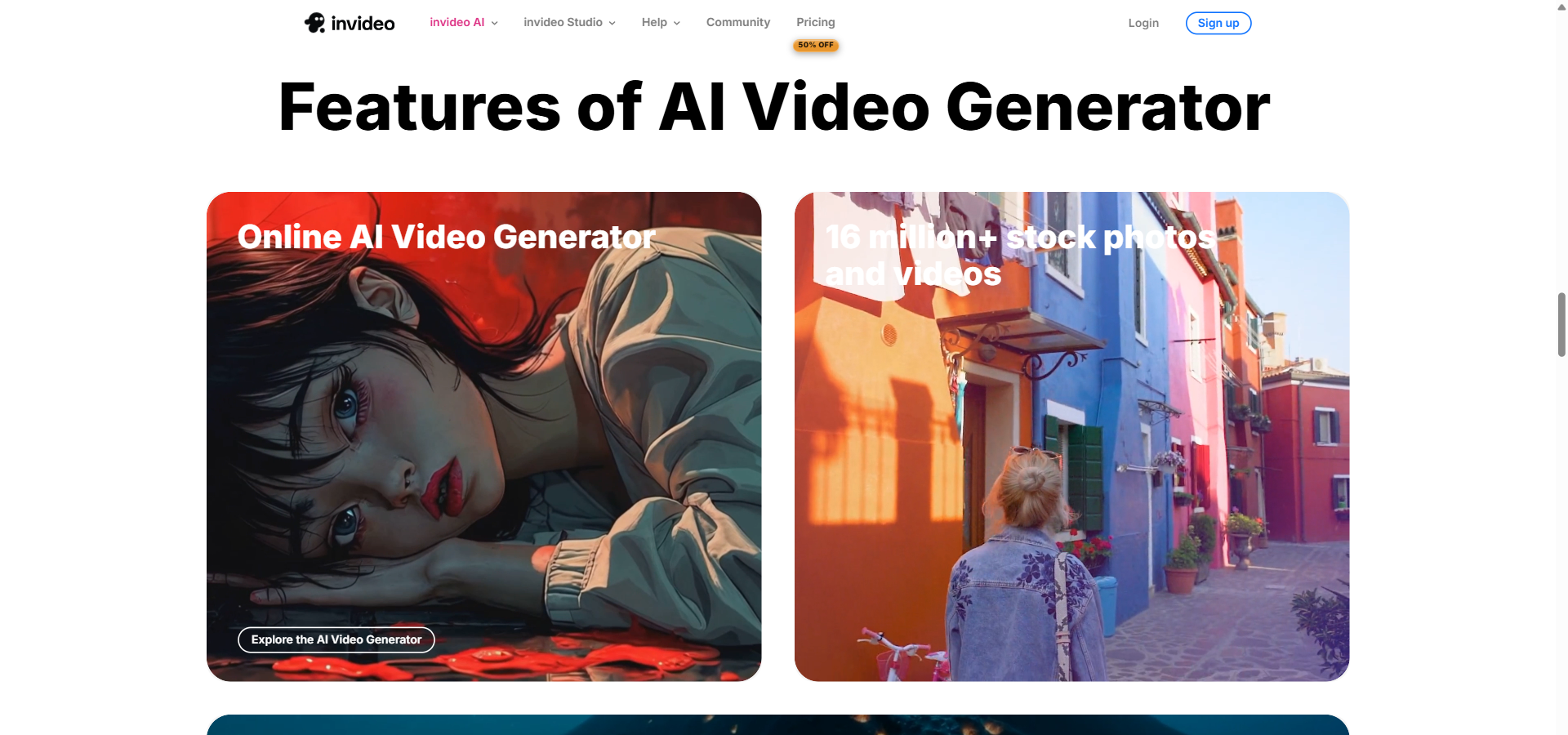
InVideo AI’s feature set combines agent-driven generative AI with a professional timeline editor. This dual approach gives users both fast automation and precise manual control over their video projects.
- AI Video Generator is a prompt-driven creation tool that produces complete videos including scripts, visuals, voiceovers, and music. This allows beginners to generate marketing promos and explainers without any technical video skills.
- Edit Videos with a Text Prompt (Magic Box) is a command interface that lets you make changes by typing instructions like “delete scenes” or “change the accent”. This speeds up editing by letting the AI agent execute repetitive timeline adjustments for you.
- AI Generated Images & Videos is a visual production suite that uses models like Nano Banana Pro and Seedance 2.5 to create custom clips and stills. This reduces your reliance on generic stock footage when building unique campaign assets.
- AI-Powered Scripts is a narrative generation feature that automatically drafts engaging dialogue and structural flows for any given topic. This saves marketing teams hours of research and copywriting time before production even begins.
- Realistic AI Voices is a text-to-speech engine that generates human-sounding voiceovers in over 50 languages with specific accent selections. This helps translation specialists and global teams localise content naturally without hiring voice actors.
- 16 Million+ Stock Photos and Videos is an integrated media library that automatically selects and assembles relevant footage based on your script content. This ensures you always have high-quality B-roll available to match your narrative.
- Content Strategy Support is a planning feature that helps you design and execute a structured video content strategy. This is highly useful for social media managers looking to increase consistent brand exposure and awareness.
- Edit Music is an audio control tool that allows you to adjust, replace, or remove background music directly within the timeline editor. This gives you the flexibility to change the emotional tone of a video without starting from scratch.
- Translate is a localisation tool that automatically converts your existing video content into different languages. This allows multinational businesses to reach new regions without manually re-recording audio and updating text.
- Real-Time Collaboration with Multiplayer Editing is a teamwork feature that allows multiple editors to work simultaneously on the same timeline with live cursors. This streamlines the review and editing process for agencies and remote production teams.
- AI Video Presentation Maker is a specialised workflow tool that turns rough ideas, scripts, or talking points into engaging, continuous presentation videos. This helps educators and trainers convert slide decks into narrated video modules quickly.
- Vision Storyboard is a pre-production planning tool that converts text prompts into visual storyboard grids with consistent characters and lighting. This allows creative directors to establish the visual language of a piece before spending credits on video generation.
- Enterprise Security is a compliance and governance framework that includes SOC 2 Type II certification, GDPR compliance, and strict data isolation. This gives large organisations the assurance they need to protect their intellectual property while using AI tools.
Top 5 Alternatives to InVideo AI
The AI video market offers several strong alternatives to InVideo AI, depending on your need for custom avatars, pure audio editing, or strict enterprise governance. Here is how the top competitors compare.
Fliki AI
Starting price: $28/month. Free Plan available.
Fliki AI is an all-in-one creator suite that excels at converting blog posts and simple text into social videos, featuring over 2,000 AI voices. It heavily focuses on automated publishing and faceless YouTube channel series rather than deep timeline editing.
Pick Fliki AI over InVideo AI if your main goal is scheduling high-volume, faceless social media content directly from blog posts.
Lumen5
Starting price: $29/month. Free Plan available.
Lumen5 is a slide-based video creation platform built specifically to help businesses repurpose existing articles and PDFs into branded social clips. It offers deep enterprise brand governance, approval workflows, and SSO integrations that are ideal for large corporate teams.
Pick Lumen5 over InVideo AI if you need strict brand governance and prefer a simple, presentation-style editor for corporate communications.
Synthesia
Starting price: $29/month. Free Plan Available.
Synthesia is the market leader for AI avatar videos, allowing users to generate talking-head content with highly realistic digital presenters. It is designed primarily for corporate training, internal communications, and learning management systems.
Pick Synthesia over InVideo AI if you need professional human avatars for corporate training rather than stock-footage marketing promos.
Pictory
Starting price: $29/month. 14-Day Free Trial Available.
Pictory specialises in transforming long-form content, such as webinars and zoom recordings, into short-form highlight reels. It uses AI to extract key moments and assemble social snippets automatically.
Pick Pictory over InVideo AI if your primary workflow involves summarising long-form webinars into short social media clips.
Runway
Starting price: $15/month. Free Plan Available.
Runway is a frontier AI research platform that focuses on cutting-edge video-to-video transformations and advanced generative visual effects. It caters heavily to artists, studios, and filmmakers experimenting with novel visual styles.
Pick Runway over InVideo AI if you are a filmmaker or artist needing advanced, experimental visual effects rather than structured marketing videos.
InVideo AI sits comfortably in the middle of these tools. It offers much better timeline control than Fliki AI or Lumen5, but lacks the hyper-realistic avatars of Synthesia or the advanced visual experimentation of Runway.
InVideo AI Use Cases
InVideo AI is heavily used by marketing agencies to scale their production of social media ads and promotional content without expanding their freelance budget. YouTube creators and social media managers rely on it to automate faceless channels, turning simple prompts into fully narrated, B-roll-rich uploads. Finally, global educators and internal training teams use the platform to quickly convert old slide decks into narrated, multilingual presentation videos for their staff.
My Verdict on InVideo AI
InVideo AI earns its price tag — but only at the right scale and with the right credit discipline. If your team produces 4 or more marketing videos a month, the $30/month Pro plan pays for itself rapidly by replacing expensive freelance editing work. The combination of prompt-based generation and a professional timeline editor means you get the speed of AI without losing the final polish of manual adjustments.
Below that threshold, or if you require strict corporate brand lock-downs, Lumen5 gives you more safety and governance for your money. InVideo AI is the right call for ambitious marketers wanting cinematic flexibility — the wrong call if you just want simple, foolproof content repurposing with no learning curve.
FAQ about InVideo AI
Is InVideo AI free?
InVideo AI’s pricing page lists no free plan, so check their site for any current free options. The Basic plan at $9/month is the lowest-cost way to test the platform’s core generation features, with 190 credits per month.
How much does InVideo AI cost per month?
InVideo AI costs $9 per month on the entry-level Basic plan when billed monthly. The popular Pro plan costs $30 per month, while team-focused plans start at $79 per seat per month.
Does InVideo AI have a free trial?
No, InVideo AI does not offer a traditional time-bound free trial. Instead, it provides a perpetual free plan that allows you to experiment with the interface and generate short videos before committing to a paid tier.
Is InVideo AI worth it?
Yes, InVideo AI is highly cost-effective for marketing teams and content creators who need to produce high volumes of video content. As long as you actively use the free timeline editor and carefully manage your AI generation credits, the $30/month Pro plan delivers excellent return on investment.
What is InVideo AI used for?
InVideo AI is used for generating marketing promos, YouTube automation videos, explainer content, and social media ads. It allows users to type a text prompt and instantly receive a video complete with scripts, voiceovers, stock footage, and background music.
Is InVideo AI good for YouTube automation?
Yes, InVideo AI is specifically designed to support YouTube automation workflows. You can use it to generate scripts, source relevant B-roll, apply realistic voiceovers, and edit the final cut in one browser tab, making it ideal for running faceless channels.
InVideo AI vs Lumen5 — which is better?
Pick InVideo AI if you need cinematic flexibility, advanced AI visuals, and a multi-track timeline editor for marketing campaigns. Pick Lumen5 if you need strict brand governance, approval workflows, and a simple slide-based editor for corporate communications.